Every melody, bassline and chord begins with pitches. Learning to identify those pitches is one of the most useful starting points for understanding music. You do not need to read traditional notation or play piano to recognise notes on a keyboard, sampler or MIDI editor.
What is a musical note?
A pitch is how high or low a sound seems. Pitched sounds often contain a fundamental frequency, measured in hertz (Hz), along with harmonics that shape their timbre. A musical note name, such as C or F-sharp, identifies a pitch class rather than a unique frequency: a low C and a higher C share the same letter but occupy different registers.
For a familiar reference, A4 is commonly tuned to 440 Hz. A3 at 220 Hz is an octave lower, while A5 at 880 Hz is an octave higher. Not all sound is clearly pitched: drum hits and noise can have complex or ambiguous pitch, even though we can still organise them musically.
The musical alphabet: seven repeating letters
The natural note names are A, B, C, D, E, F and G. After G, the sequence starts again at A. Read upward from C and the pattern becomes C–D–E–F–G–A–B–C. The letter names repeat, but the sound moves into a higher or lower register.
These seven letters do not represent every distinct key on a piano. The keys between many natural notes can be named using sharps and flats, which we will explore below.
Finding notes on a musical keyboard

The easiest visual landmarks are the black keys, which repeat in groups of two and three. C is the white key immediately before each group of two black keys. D lies between those two black keys and E lies immediately after them. F is the white key immediately before a group of three black keys, followed by G, A and B.
Once you can locate a C, the other note names follow in order. But you do not have to count from C every time: recognise the two- and three-black-key groups and use those patterns to find F, A or any other letter directly.
Hear and explore the keyboard
The interactive keyboard below lets you hear the pitches and see their note names, approximate frequencies and MIDI note numbers. Select Start Audio if your browser requires it, then click the keys. Try the same note letter in two octaves and listen for what stays similar and what changes.
Semitones, sharps and flats

A semitone is the distance from one key to the next adjacent key on an ordinary equal-tempered piano, whether black or white. A whole tone is two semitones. A sharp (♯) raises a written note by one semitone; a flat (♭) lowers it by one semitone.
The black key between C and D can be called C♯ or D♭. These different spellings refer to the same sounding piano key in twelve-tone equal temperament, a relationship known as enharmonic equivalence. Which spelling is appropriate depends on the melodic and harmonic context.
There is no black key between E and F or B and C, because each of those natural-note pairs is already a semitone apart. A sharp or flat does not necessarily mean a black key: E♯ sounds at the same key as F, while C♭ sounds at the same key as B, in equal temperament.
Octaves and register

An octave separates pitches whose fundamental frequencies stand in a 2:1 ratio. A4 at 440 Hz is an octave above A3 at 220 Hz. On the piano, moving twelve semitones in either direction reaches another key with the same note name.
The term octave reflects the eight letter-name positions counted from one C to the next: C–D–E–F–G–A–B–C. It does not mean the octave contains only eight semitone steps. Musicians also describe a sound’s register: a bass instrument may play in a low register, while a lead synthesiser or melody sits much higher.
Seeing notes in Logic Pro and other DAWs
In a MIDI Piano Roll, pitch is arranged vertically and time horizontally. A note drawn higher generally plays a higher pitch; moving it to the right delays when it begins; lengthening its rectangle increases its duration. MIDI notes store performance instructions rather than a recording of the instrument’s sound, so the same phrase can play through a piano, synthesiser or sampler.
For a small example, place C–D–E–G–A in a rising pattern, then move the A one octave higher. The letter name stays A while the register changes. Different applications sometimes label octaves differently, so check the displayed MIDI pitch and surrounding keys rather than relying on the octave number alone.
Why note names matter
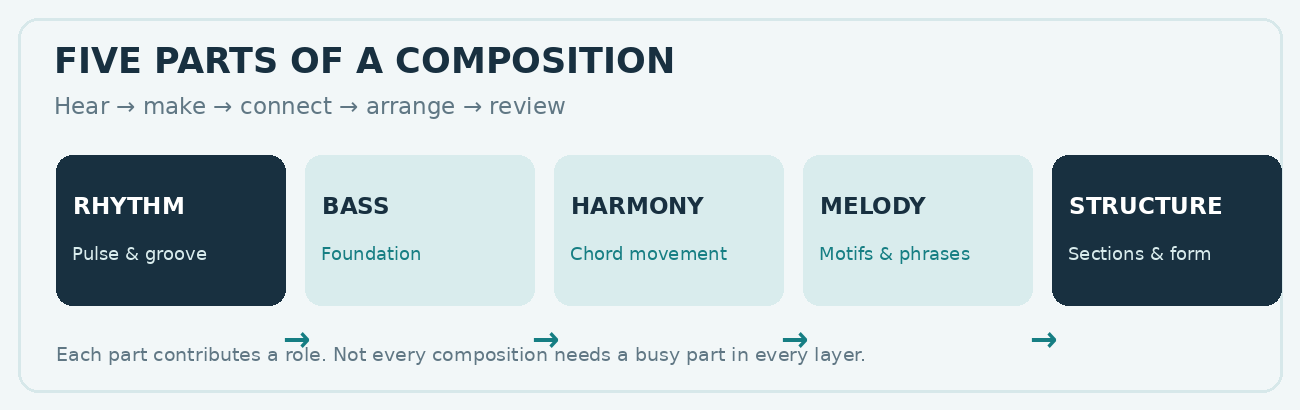
Recognising notes helps with more than keyboard playing. A melody is a sequence of pitches and rhythms; a bassline uses pitches to support harmony and groove; a chord combines several pitches into a harmonic unit; and a scale arranges pitch classes into a recognisable pattern. Being able to identify the notes you play, record or sample makes these relationships easier to understand and communicate.
The keyboard is a map of pitch, not a rulebook about which sounds are allowed. Once the note names and semitone pattern become familiar, intervals, scales and chord construction are much easier to follow.
Continue exploring How Music Works
Next: Rhythm and Time explains how notes are organised in time. You can also explore Musical Intervals, Scales and Keys and the full How Music Works chapter guide.