
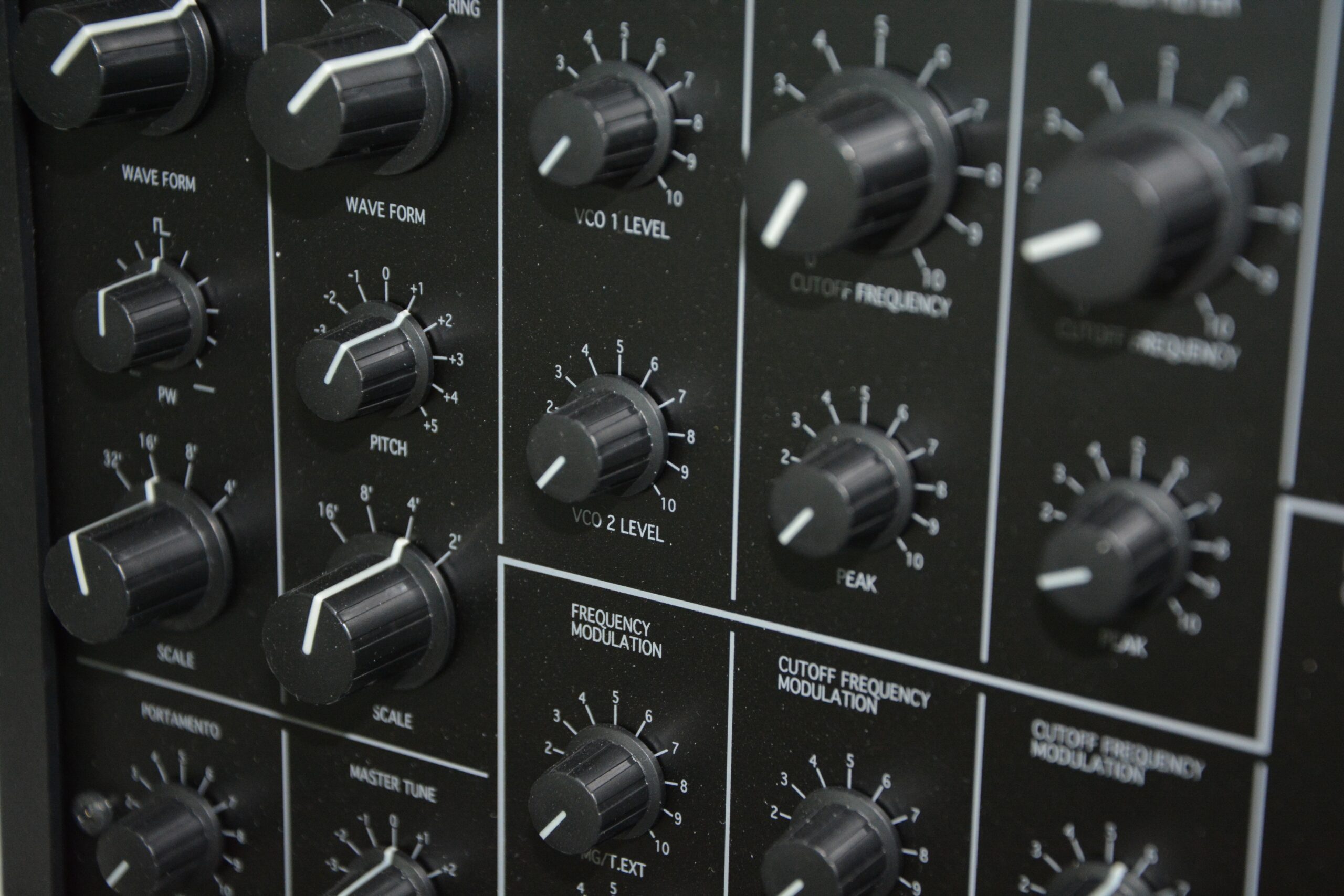
Free plugins are now capable of professional results.
For electronic music in particular, many of the most widely used sounds and effects can be created entirely with free tools.
The challenge is not availability. It is choosing plugins that are actually useful, rather than collecting everything.
This guide focuses on practical, high-quality free VST plugins for electronic music production that support real workflows.
🎯 What You Actually Need
Before looking at long plugin lists, it helps to simplify.
Most electronic music production only requires:
- one or two strong synths
- a small set of effects (reverb, delay, saturation)
- basic mixing tools (EQ, compression)
Everything else is optional.
If you are starting from scratch:
👉 What You Actually Need to Start Making Music (Free Setup Guide)
🎛 Best Free Synth Plugins
Vital
Type: Wavetable synthesiser
Platform: Windows, macOS, Linux
Vital is one of the most powerful free synth plugins available in 2026.
What it does well
- Modern wavetable synthesis
- Advanced modulation system
- Clear, visual interface
Good for
- EDM
- bass music
- ambient textures
Surge XT
Type: Hybrid synthesiser
Platform: Windows, macOS, Linux
Surge XT is an open-source synth with a deep feature set.
What it does well
- Multiple synthesis engines
- High-quality filters
- Extensive modulation options
Good for
- complex synthesis
- experimental sound design
Tyrell N6
Type: Virtual analogue
Platform: Windows, macOS
A focused subtractive synth with a classic sound.
What it does well
- warm analogue-style tones
- simple, fast workflow
Good for
- pads
- bass
- leads
👉 For a deeper breakdown of synths:
👉 Best Free Synth Plugins for Sound Design and Electronic Music
🌊 Best Free Reverb Plugins
Valhalla Supermassive
Type: Reverb / delay hybrid
A widely used free plugin for creating space and depth.
What it does well
- large atmospheric spaces
- ambient textures
- creative delay effects
Good for
- ambient
- techno
- cinematic sound
OrilRiver
Type: Algorithmic reverb
What it does well
- clean, natural spaces
- low CPU usage
Good for
- subtle spatial processing
- mixing applications
🔁 Best Free Delay Plugins
Valhalla Freq Echo
Type: Frequency-shifting delay
What it does well
- dub-style echoes
- experimental modulation
TAL-Dub
Type: Vintage-style delay
What it does well
- classic analogue delay character
- simple, usable controls
🔥 Best Free Distortion & Saturation Plugins
Softube Saturation Knob
Type: Saturation
What it does well
- adds warmth and harmonic content
- simple and effective
Airwindows Plugins
Type: Various
A large collection of lightweight, character-focused plugins.
What it does well
- unique sonic character
- subtle and experimental processing
🎚 Best Free Mixing Plugins
TDR Nova
Type: Dynamic EQ
What it does well
- precise frequency control
- dynamic processing
Melda MFreeFXBundle
Type: Multi-plugin bundle
What it does well
- large collection of mixing tools
- flexible routing and control
ReaPlugs
Type: Mixing tools
What it does well
- clean, functional processing
- low CPU usage
For a full breakdown of effects:
👉 Free Audio Effects Plugins
⚙️ How to Build a Simple Plugin Setup
You do not need everything listed here.
A practical starting setup:
- 1 synth → Vital or Surge XT
- 1 reverb → Valhalla Supermassive
- 1 delay → TAL-Dub or Freq Echo
- 1 EQ / compressor → TDR Nova or ReaPlugs
This is enough to produce complete tracks.
🎧 Where Plugins Fit in the Workflow
Plugins sit inside your DAW.
If you have not chosen one yet:
👉 Comparing the Best Free DAWs for macOS, Windows and Linux
If you are starting from zero:
👉 Best Free Music Software for Beginners
For a complete overview of tools:
👉 The Best Free Music Making Software (2026 Guide)
🚀 From Plugins to Finished Tracks
Plugins help shape your sound, but they do not replace process.
To move forward:
- arrange full tracks
- refine mixes
- export finished audio
🎵 From Production to Release
Once you are finishing music, the next stage is release.
These guides connect directly:
👉 How Music Releases Actually Work Now
👉 Planning a Music Release Backwards
👉 The Minimum Assets You Need for a Music Release
🎯 Final Thoughts
Free plugins are no longer limited tools.
A small, well-chosen set is enough to produce complete, high-quality electronic music.
The difference comes from how you use them, not how many you install.


